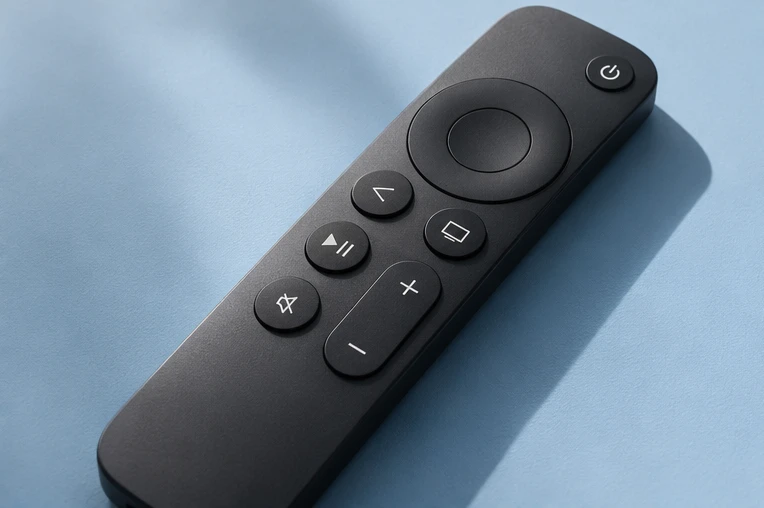
IPTV on Fire TV Stick.
Send us your model, install the player with a Downloader code, then log in. Most people are watching in ten minutes.
Updated 15 November 2026 · IPTV Guy setup team
Have these ready.
- Your exact model (Settings → My Fire TV → About).
- Your login from us: a free 24-hour demo or your plan.
- A steady connection: a cable if you can, or strong Wi-Fi.
The app to install.
- Fire OS sticks (most Fire TV Sticks): we send a Downloader code for our recommended player.
- Fire TV Stick 4K Select uses Vega OS: message us to confirm a compatible option first.
Step by step.
- Send us your exact model on WhatsApp.
- Install Downloader from the Fire TV app store (search “Downloader”).
- Open Downloader, type the code we send and follow the prompts to install the player. If asked, allow Downloader to install apps.
- Open the player and choose the Xtream Codes login.
- Enter the server URL, username and password from our message.
- Open a live channel, then try a film.
If something doesn’t work.
The app will not install
Check you are on a Fire OS model and typed the code exactly. Then message us with your model.
Login fails
Re-enter the details exactly and make sure you chose Xtream Codes. Fix “failed to authorize” →
Picture freezes
Try an Ethernet adapter and a second channel. Fix buffering →
Anything else
Firestick, answered.
How do I install IPTV on a Firestick?
Install Downloader, enter the code we send to install the player, then log in with your Xtream Codes details.
Which Firestick works best?
Any recent Fire OS stick works. Models with more memory run players more smoothly.
What about the Fire TV Stick 4K Select?
It runs Vega OS. Message us before setting it up.
Can I use it on two Firesticks?
Yes. Buy a plan and get 30% off a separate connection for each extra device. Get 30% off an extra connection →
Watch on your terms.
Try it free for 24 hours on your own screen before choosing a plan.