IPTV not working on Firestick?
Most Firestick problems are fixed by a restart, a quick internet check and clearing the app’s cache. If not, find your symptom below.
Updated 15 November 2026 · IPTV Guy setup team
Start with these three.
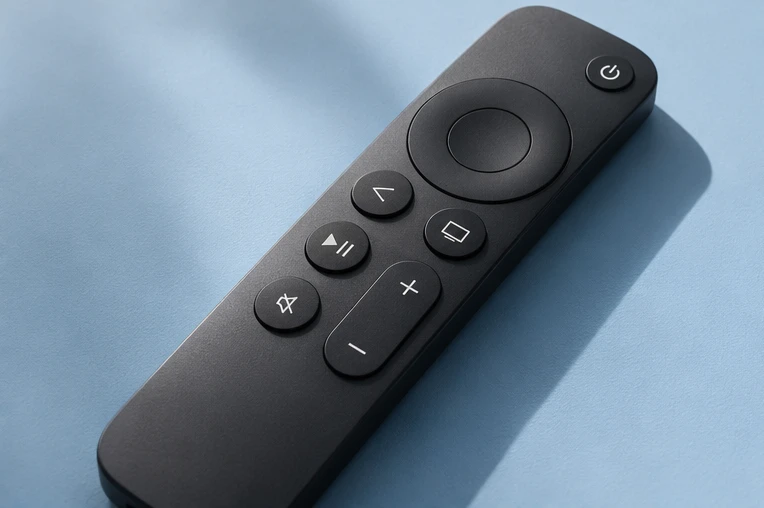
- Restart the stick: hold Select and Play/Pause for about five seconds, or go to Settings → My Fire TV → Restart.
- Check the internet: open another streaming app. If that fails too, restart the router.
- Clear the player’s cache: Settings → Applications → Manage Installed Applications, choose the player, then Clear cache.
Find your problem.
The app won’t open or crashes
- Clear cache (above). If it still crashes, uninstall and reinstall with the code we sent.
- Check free storage in Settings → My Fire TV → About → Storage.
“Failed to authorize” or login refused
Re-type the login and check the server URL. Login error fixes →
Channels list is empty
Your plan or demo may have ended, or the login was typed wrong. Channels not loading →
Picture keeps freezing
Wi-Fi is the usual cause. Fix buffering → Speed & Wi-Fi →
TV guide is blank or wrong
Check the date and time zone on the stick, then refresh the guide. Fix the TV guide →
Downloader code doesn’t work
Type it exactly as sent. If your stick is a Fire TV Stick 4K Select (Vega OS), message us for the right option.
Stopped after a Fire TV update
Restart the stick, then reopen the player. If it’s gone, message us for the install code again.
We’ll sort it.
Send us your Fire TV model, the app you use and a photo of any message on screen.
Firestick problems, answered.
Why did IPTV stop working on my Firestick?
The most common causes are an ended plan or demo, a Wi-Fi drop, a full cache or a Fire TV update. Work through the steps above.
How do I restart a Firestick?
Hold Select and Play/Pause together for about five seconds, or use Settings → My Fire TV → Restart.
Will clearing the cache delete my login?
Clearing cache usually keeps it. Clearing data removes it, so you would log in again.
Does an Ethernet adapter help?
Yes, if your router is close. A cable is steadier than Wi-Fi.
Watch on your terms.
Try it free for 24 hours on your own screen before choosing a plan.